

From quicker task capture to better daily reflection, here's everything that's new in Booost.
Quick Add & Notifications Control
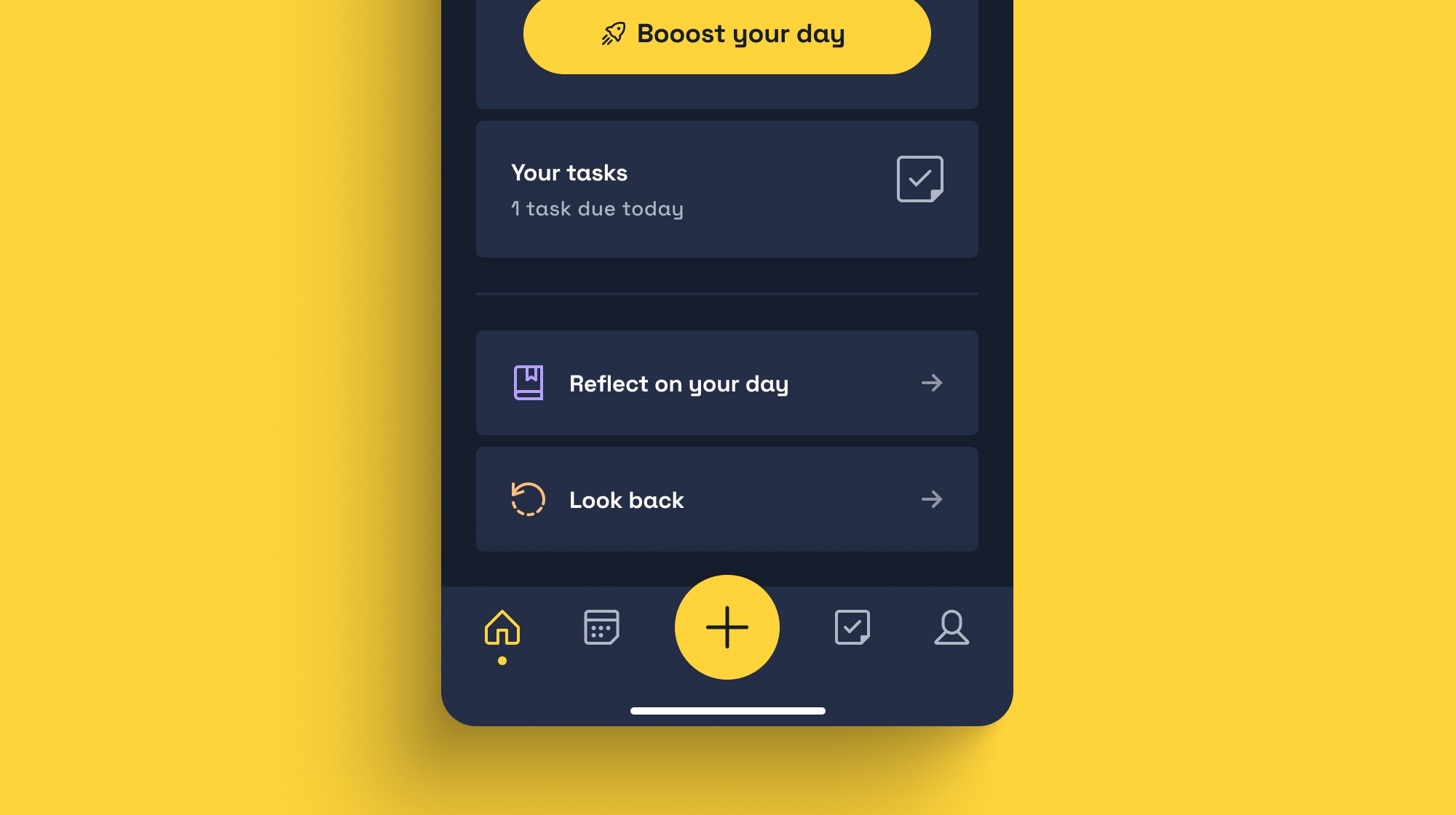
There's now a Quick Add button in the centre of your nav bar. One tap and you can add a task, event, or routine from anywhere in the app – no need to navigate to the right section first.
We've also added a global notification setting, so you can manage all your Booost reminders in one place. Head to Settings to turn individual notification types on or off.

Improved Reflect & Look Back
Reflect and Look Back have been refreshed and moved to your homescreen so they're easier to find at the end of the day.
Reflect now gives you a quick end-of-day check-in. Record how your day went, note what helped and what got in the way, and leave a note for tomorrow-you.
Look Back now shows the tasks you completed each day alongside your reflections, making it easier to spot patterns, understand what worked and build on it over time.
Reach Out is now in Tasks
Sometimes the hardest part of a task is just getting started. Reach Out lets you share a specific task with a friend or family member to help you stay on track.
Open any task, tap Reach Out, and choose who to message. They'll get a quick note with the task name so they can check in on you. You stay in control of who you contact and when.

Booost Your Day Wellbeing is now Booost Your Day Recharge
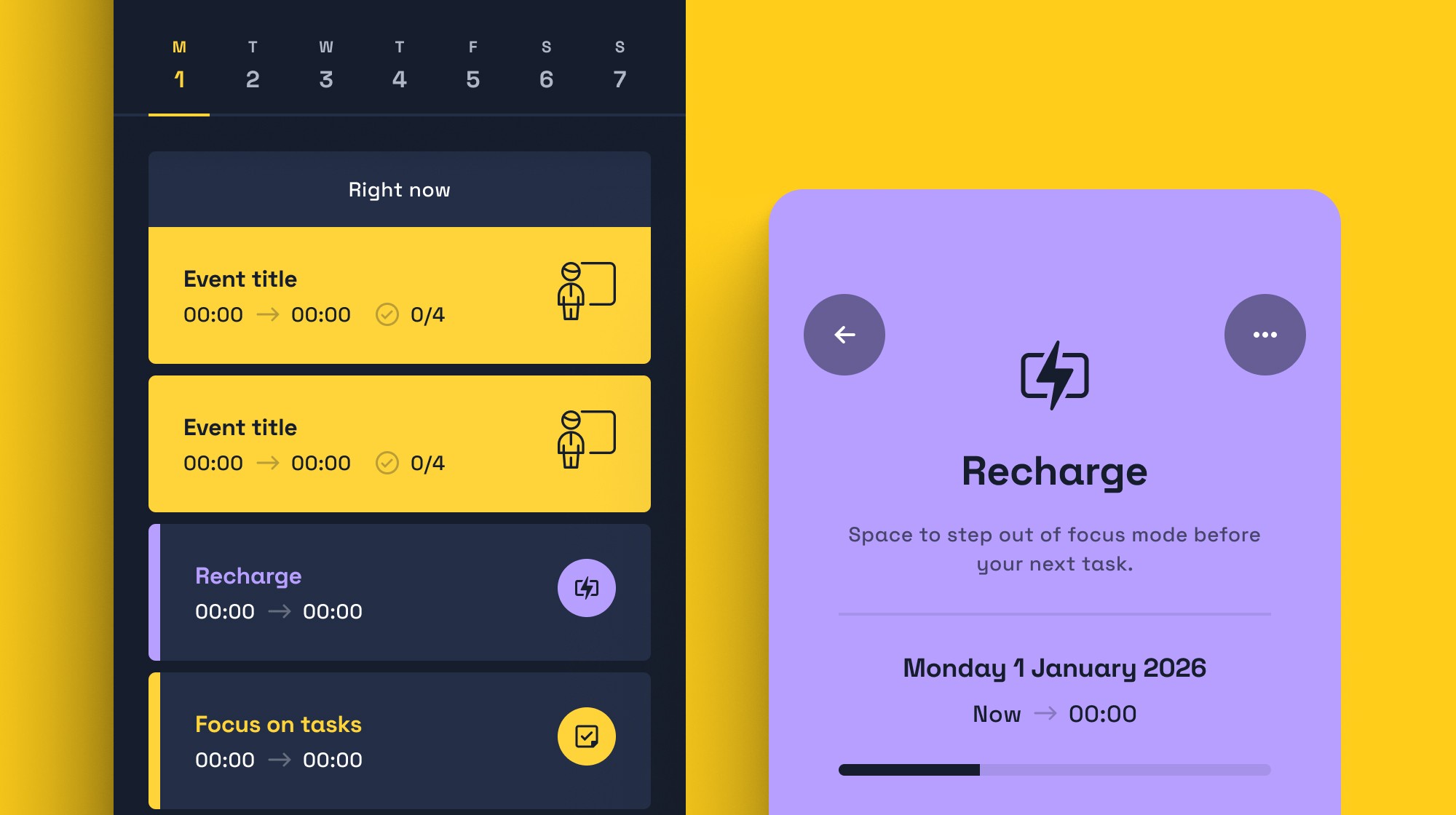
Your daily planning feature still works the same way. Focus on Tasks hasn't changed, but Recharge puts more emphasis on managing your energy and building buffer time into your day.
The name and framing have simply been updated to better reflect what it's really for: helping you pace yourself, not just pack more in.
Learner Resources moved to Account Settings
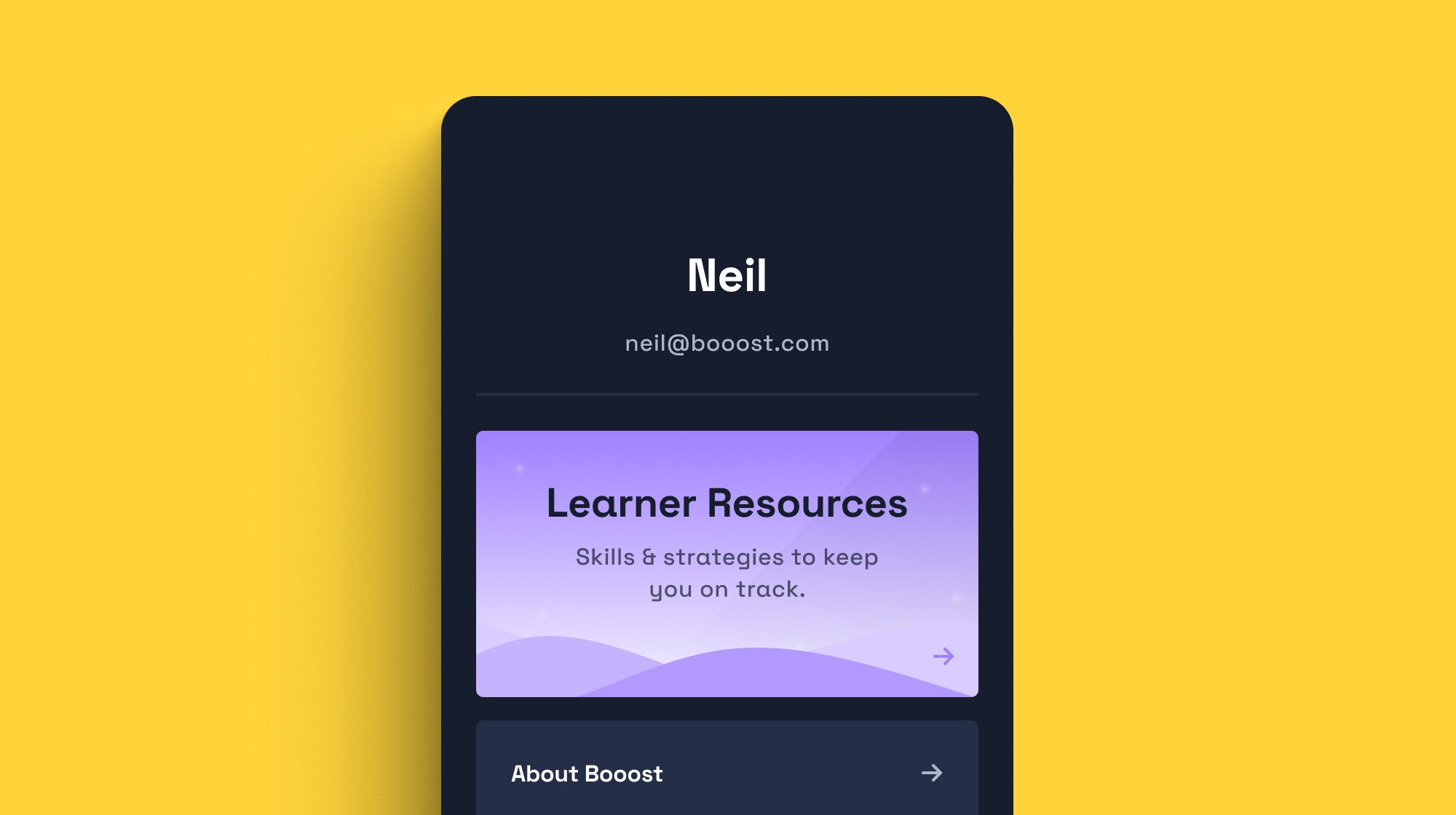
Your support and learning resources have moved to a single place: Account Settings. This keeps your main workspace clean and means everything you need to get help or learn more about Booost is in one consistent location.
Nothing has been removed – it's all still there, just in a more logical home.
COMING SOON
Learner Resources is being reshaped around common challenges
Resources will be reorganised around the things students tell us they struggle with most – like focus, planning, and getting started.
Checklist improvements
We're making checklists easier to use with more flexible editing, smoother interaction, and a range of usability improvements.
More Quick Add changes
Further improvements to the Quick Add flow to make adding tasks even faster and smarter.